Back to School: Setting Up Your Digital Classroom in TeachFlow
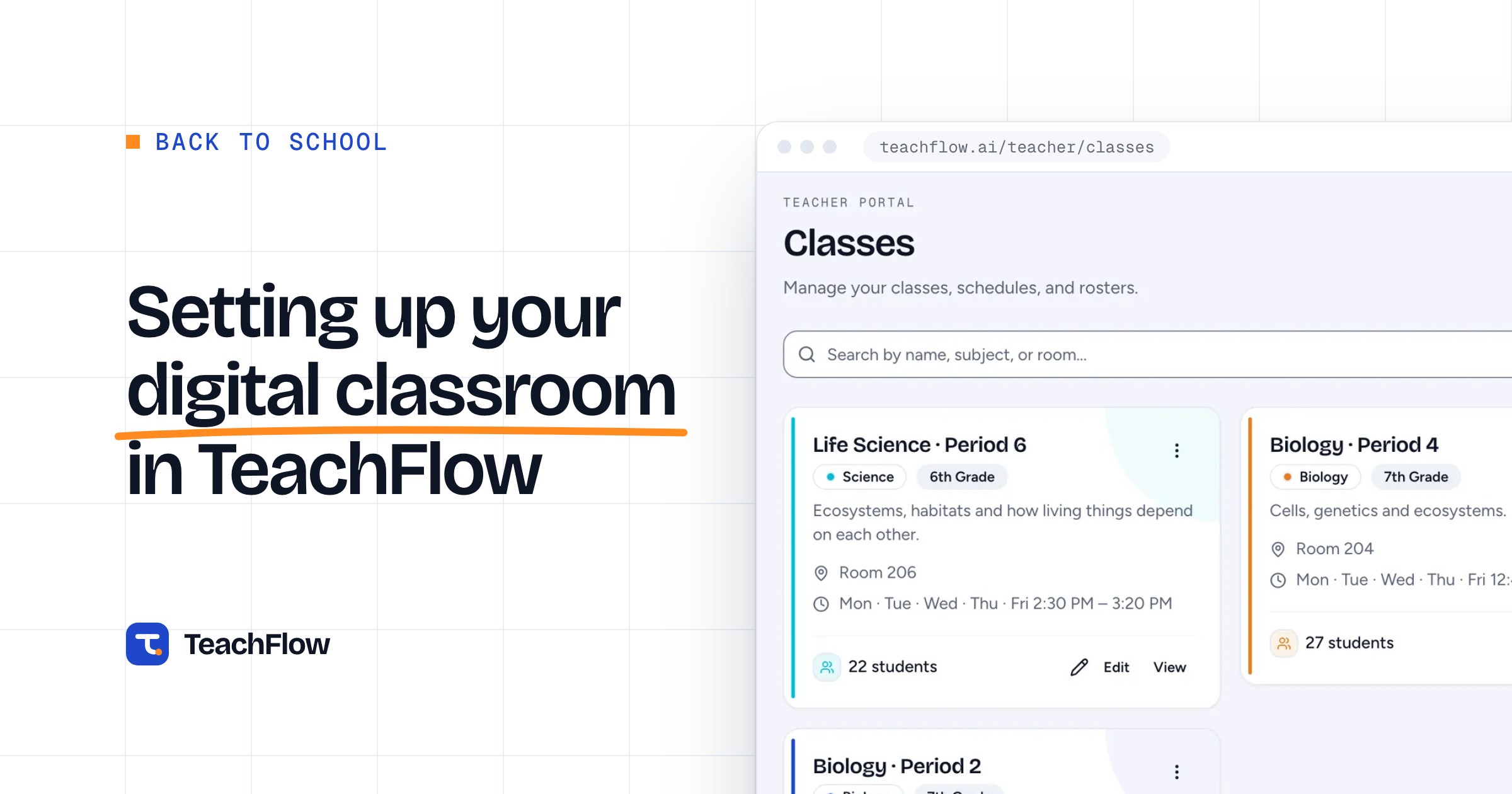
The first week of school is chaotic by design — there are relationships to establish, routines to set, and a year's worth of logistics to sort out. That is exactly why your digital setup should not be part of the chaos. Getting your TeachFlow account fully configured before students arrive means you can focus entirely on people in those critical first days rather than troubleshooting a platform. The setup process is straightforward, and the time you invest at the beginning pays back continuously throughout the year.
Start by creating your classes and populating them with students — either by importing a roster file or adding students manually. Take five minutes to verify the information looks right and that students are in the correct class sections. Then set up your gradebook categories to match how you will actually assess students in each class: whether that is a weighted category system with separate homework, quiz, and test grades, or a points-based system where everything counts equally. Getting this right at the start prevents gradebook confusion later that can be tedious to untangle midyear. Next, create your first few lessons and assignments. Having even two weeks of content pre-loaded means you will have fallback materials when a class runs faster or slower than planned.
The setup steps that teachers most often skip — and most often wish they had not — are the communication templates and the behavior tracking categories. Spending 20 minutes customizing the parent communication templates to match your voice and your classroom policies means every message you send all year takes 30 seconds instead of five minutes. Setting up your behavior categories to reflect the specific types of behaviors you care about tracking in your classroom means your data will actually be useful when you review it. Neither of these takes long, but both require some thought — which is exactly why they are best done before the year starts rather than in the middle of it.